



RobyCasino Login and Registration
Getting into an account at Roby Casino takes two simple steps: registration and login.
We built this page to walk new and returning members through everything: signing up, completing a RobyCasino login, and adjusting account settings on the platform, including two-factor authentication and identity verification.



Why Create a RobyCasino Account
A verified profile gives you full access to the entire RobyCasino game library, far beyond the limited preview available to guests. Once registered, here’s what changes:
- Full access to every game in the RobyCasino library, from slots to live tables;
- A personal dashboard that tracks deposits and withdrawals, plus account activity, in one screen;
- Faster support: verified members reach the support team through live chat without repeating account details each time;
- Saved preferences for currency and interface language with notification settings.
Our platform keeps these features tied to a single account, so switching between devices never requires you to start over.
How to Register at RobyCasino
Setting up an account takes only a few minutes, and each step brings you closer to full access on RobyCasino. Registration follows a few short steps:
- Open the RobyCasino homepage and select Register.
- Choose your welcome bonus (you can reject and proceed without it). Click “Choose”.
- Provide an email address and set a password.
- You’ll need to confirm you’re 18 or older, the minimum age required for an account.
- Agree to the Terms and Conditions and read our Privacy Policy carefully.
- In the second registration window, enter your personal and location information, your postcode and date of birth. Hit “Create Account.”
- Check your inbox and confirm your registration using the verification link we sent via email.
- Complete your first RobyCasino login with the new credentials and start exploring the casino library right away.
Accurate personal details matter here, since the same information gets checked again later, during verification.
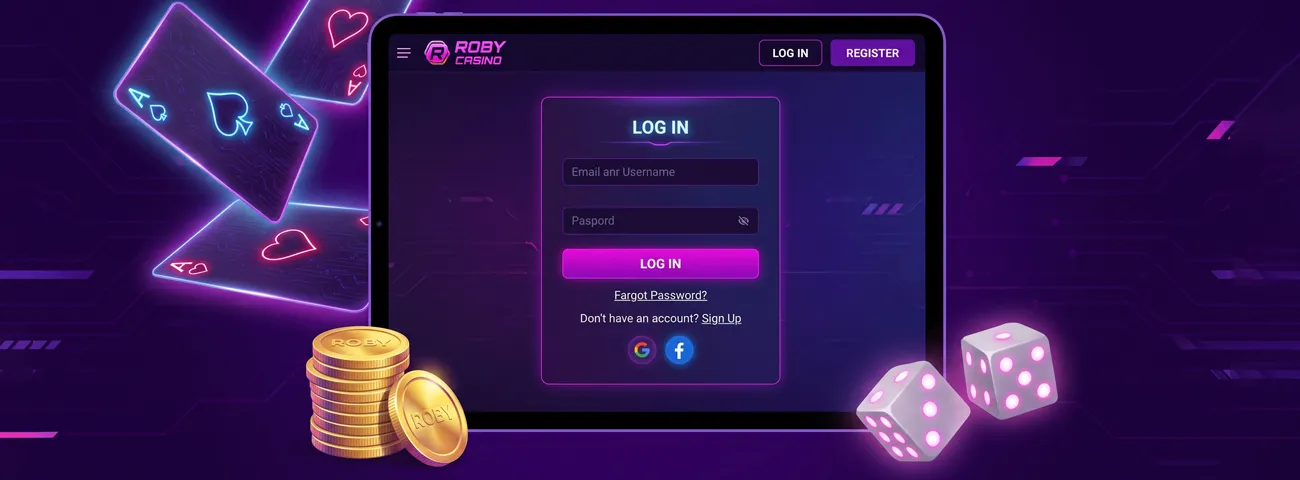
RobyCasino Login and Account Access
Returning to the site takes just a few seconds. Enter the registered email address and password on the login page, then select Log in. Once inside, the RobyCasino dashboard shows account balance and recent transactions in one place.
Multilingual support is available in the same account area, so we let members switch the interface language and reach the support team in several languages, all without leaving the dashboard.
Here’s a brief look at what’s inside the account area:
| Account Section | What You’ll Find There |
|---|---|
| Profile | Personal details, password, currency |
| Payments | Deposit and withdrawal history |
| Security | Two-factor authentication, login history |
| Support | Language settings, live chat, support team |
Each section stays available after every RobyCasino login, so returning members can check account status without digging through menus.
Forgot Your Password?
Password recovery works through the “Forgot your password?” link on the login screen. A reset link arrives once you enter your registered email address, and setting a new password takes only a couple of minutes. The updated RobyCasino login then works the same way on desktop and mobile — no new registration required.
Verification Process at RobyCasino
A player’s identity is confirmed before the first withdrawal through our verification process. We typically ask for a valid photo ID plus proof of address, with most submissions reviewed within one to three business days.
Questions about which documents are needed? The support team is reachable by live chat or email throughout the verification process, and submitting clear, accurate copies from the start keeps things moving without delays.
Account Security and Two-Factor Authentication
Two-factor authentication adds a one-time code to the password and can be enabled in the account’s security section. The same panel lists recent login activity, so unusual sign-ins are easy to spot.
We store personal and payment data with encryption, and password changes take effect immediately across every device linked to the account. Gamers who play on a phone and a desktop can rely on the same RobyCasino login and security settings on either device.
Managing Your RobyCasino Profile
Profile settings cover contact details and language. Customers can update an email address or phone number directly in the profile section, and any changes to login-related details trigger a confirmation message for added protection.
Session limits and self-exclusion tools also live within the profile area, giving members a way to manage play at their own pace. Switching the interface language takes one click and applies across the entire RobyCasino account, including support conversations.
FAQ
What do I need before I start registering at RobyCasino?
Just a valid email address and a few personal details. Keep a photo ID and proof of address nearby too, since the same details get checked later during verification.
What if the password reset email doesn’t arrive?
Check your spam folder first. If the email is still missing, live chat or email will get you to the support team, who can resend the reset link or verify the email address on file.
Can I keep playing while my verification is in progress?
Yes. Verification only affects withdrawals; the RobyCasino library stays fully open for play while documents are under review.
What happens if I lose access to my two-factor authentication device?
Reaching the support team by live chat or email is the fastest path back in — we will confirm your identity and restore account access from there.
Does updating my profile affect my RobyCasino login?
We keep login credentials untouched by changes like currency or language. The one exception is your email — we run a confirmation step whenever it’s updated, purely as a security measure.


